Nothing frustrates a gamer more than this scenario: You are browsing the US PlayStation Store, you find an irresistible deal on a AAA title, you get excited, hit “Buy,” and then… Boom! An annoying error message appears.
SO will tell you how to buy from PlayStation Store without a Credit Card in an easy and simple way.
You are certain your card is charged and working, so what is the problem?
The problem isn’t with your balance; it’s with Sony’s Geographical Protection System. The US Store requires a credit card issued by a US bank and linked to a real US residential address.
Why Does the US Store Reject My Local Bank Card?
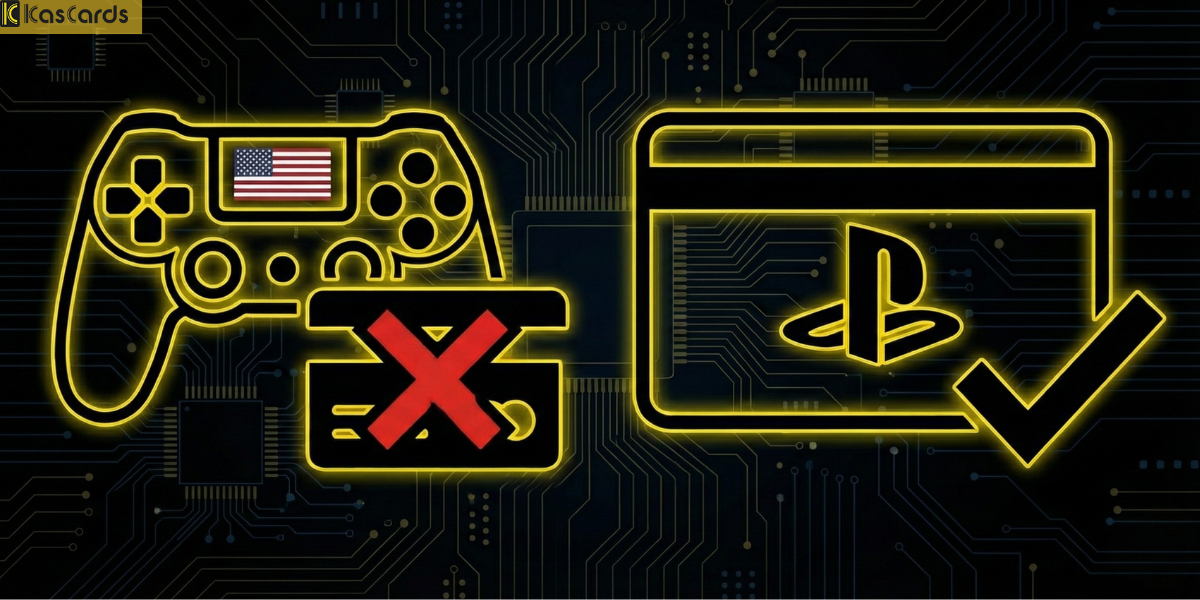
The issue lies neither in your funds nor your specific bank; rather, it is a strict policy enforced by Sony.
The store’s system requires that the payment method (Visa or Mastercard) be issued in the same country as the account’s region.
Since you are using a US account (to access specific games and discounts) but your card is issued by a local bank (Saudi, Egyptian, Emirati, etc.), the system automatically blocks the transaction due to the geographical mismatch.
What is the Easiest Solution to Buy from the US PlayStation Store Without a Credit Card?
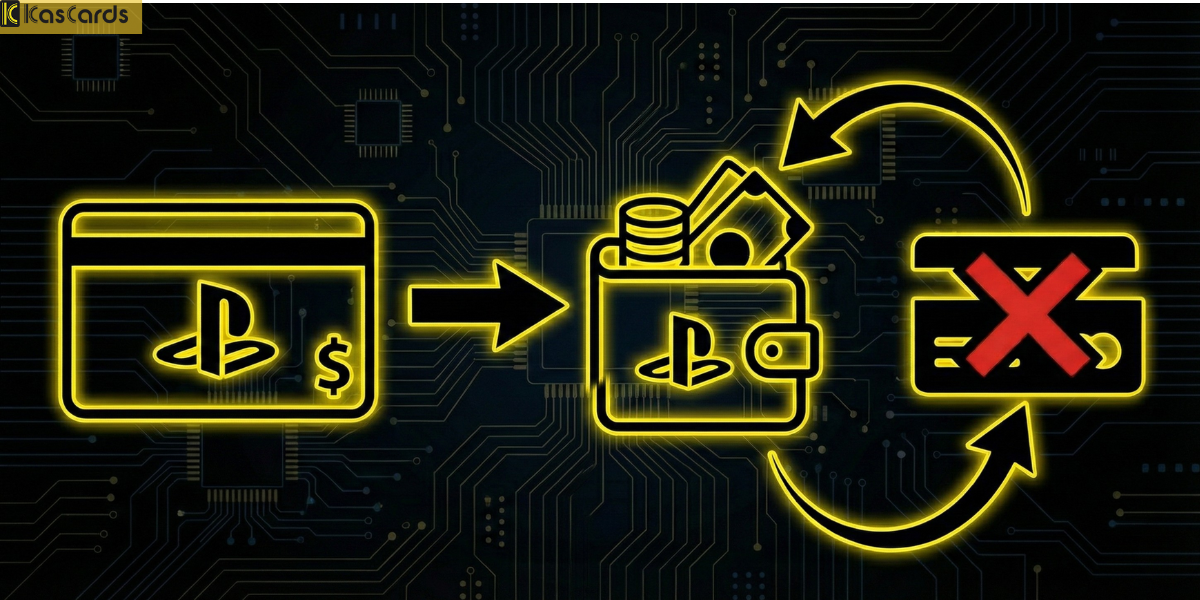
The solution is simply to bypass the bank. Instead of trying to “pull” money directly from your card, you will top up your account’s “Wallet” (PSN Wallet) using Gift Cards.
When you redeem a gift card, Sony doesn’t ask about the source of your funds or your country. It only verifies a valid code, adds the balance to your account, and allows you to make an immediate purchase.
Why is the US Store Considered a Gamer’s Paradise?
Before we explain the method, why do players insist on having a US account despite the payment complications?
- Cheapest Globally: Base prices are often lower than in European or Arab regional stores.
- Faster & Bigger Discounts: Offers like Flash Sales and Black Friday deals on the US Store are unrivaled.
- Larger Library: Some games (especially Indie titles and translated Japanese games) are released there but never make it to our local stores.
How to Buy from the US PlayStation Store Without a Credit Card?
The steps to buy from the US PlayStation Store without a credit card are very simple and takes just two steps:
Step 1: Get the Card
- Head over to Kascards.com
- Navigate to the Gaming Platforms section.
- Select PlayStation.
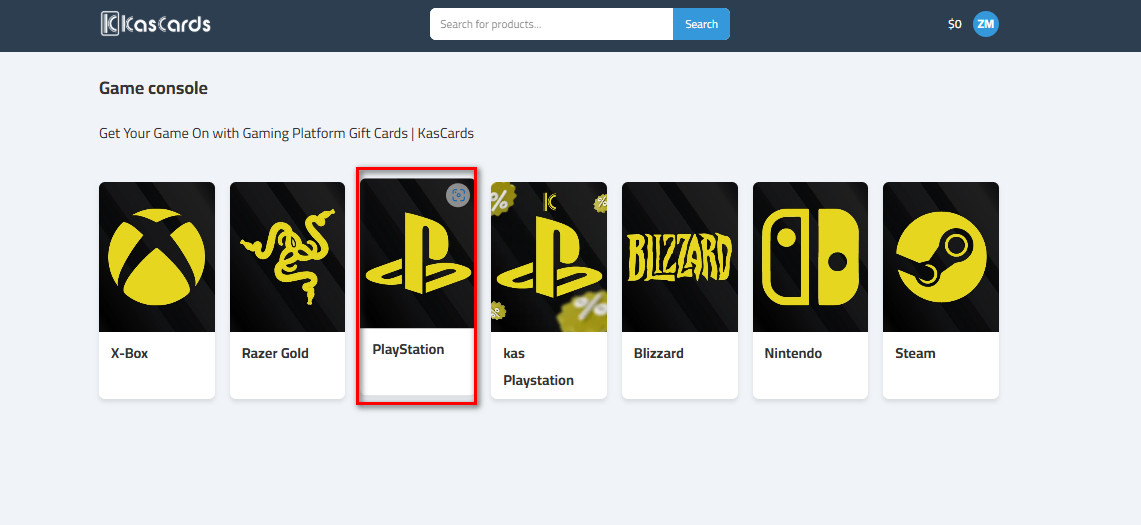
- Crucial Step: Ensure you select the (US Region) card. (Warning: Saudi cards will not work on a US account, and vice versa).
- Choose the amount you need (e.g., $10 or $50) and pay using your preferred method (such as USDT cryptocurrency for lower fees).
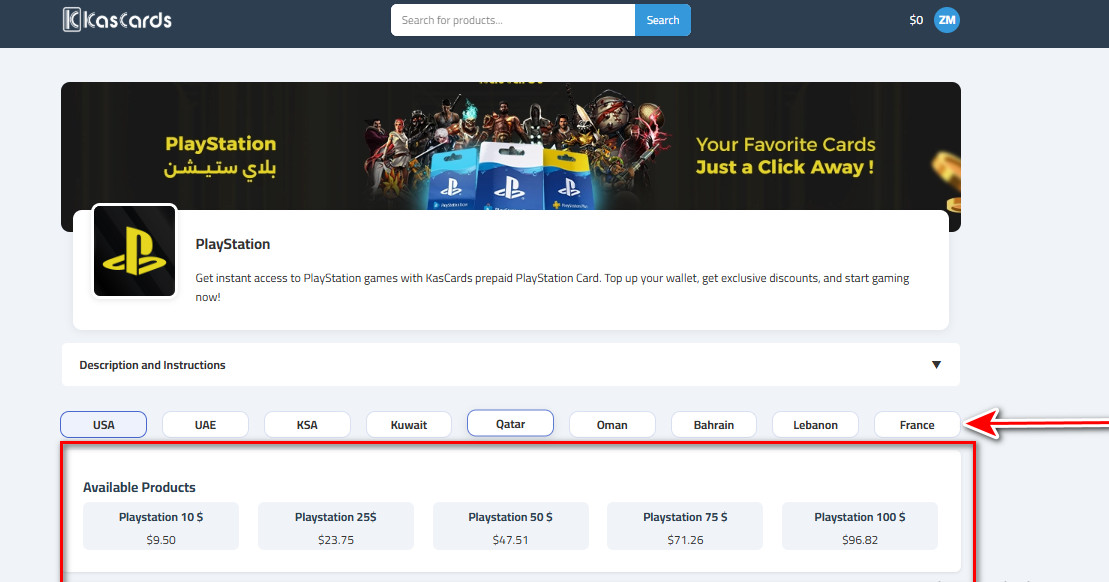
- You will receive a digital code immediately.
Read more about Step-by-step topping up your PlayStation cards through kascards
Step 2: Redeem PlayStation Balance
- Open your console (PS4/PS5) or the PlayStation App on your phone.
- Go to the Store, and from the side menu, select Redeem Codes.
- Enter the code you bought and press Confirm.
Now the money is in your account, and you can purchase the game instantly.
In Conclusion
Don’t let a payment rejection deprive you of the latest games and the strongest offers.
Owning a US account while relying on gift cards from Kascards is the smartest strategy for any gamer who wants to save money and access a massive library of games without boundaries.