You’ve spent countless hours tapping the screen in Hamster Kombat, farming lands in Pixels, or collecting coins in Notcoin. You put in the effort, invested the time, and now you have a balance of cryptocurrency sitting in your digital wallet.
But how to exchange Web3 earnings into gaming cards? How do you make these digital numbers work for you in real life?
You want to buy the new FIFA on PlayStation, or top up your Steam wallet to buy Black Myth: Wukong, but Sony and Steam don’t accept your crypto.
So, we’ll explain simply how to exchange Play-to-Earn earnings into gift cards for PlayStation, Steam, and more.
What are Play-to-Earn Games, and Are the Profits Real?
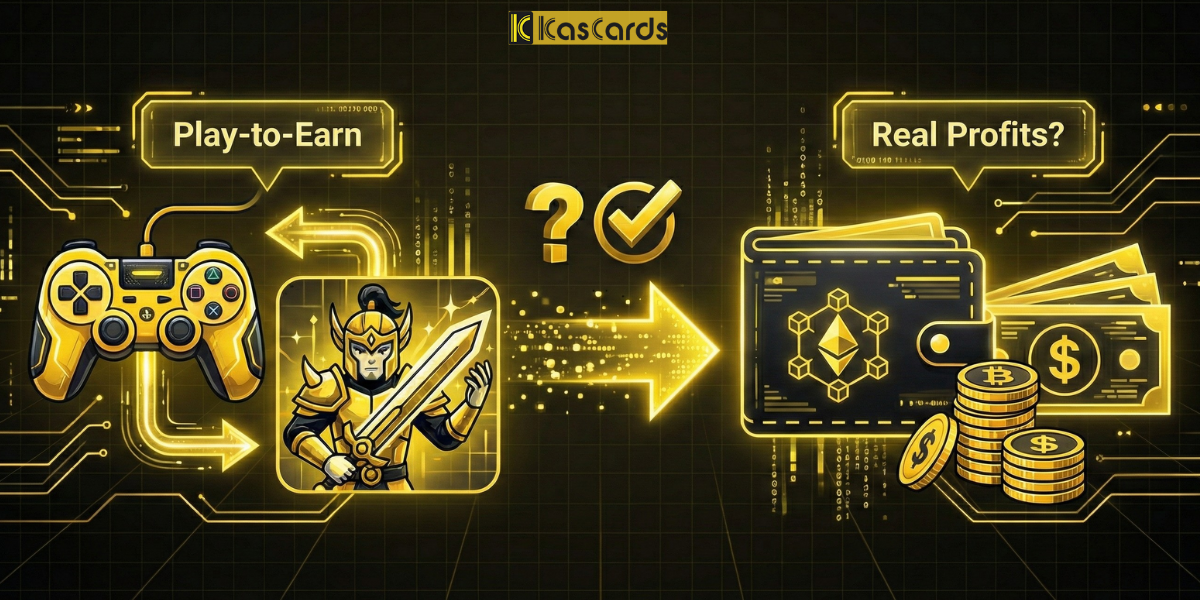
In the recent past, our relationship with gaming was one-way: we paid money to buy the game or items to enjoy it. But with the rise of Web3 technology, the equation has flipped, introducing the concept of Play-to-Earn (P2E).
These games aren’t all the same; they fall into different categories, the most popular currently being:
- Tap-to-Earn: The current trend on Telegram, like Hamster Kombat and Notcoin. These require no skill, just daily logins and tapping. The earnings might be modest for the average person (pocket money), but they are real.
- Metaverse & Strategy: Like The Sandbox and Axie Infinity. These require skill and planning, and profits can be larger, coming from selling virtual land or rare characters (NFTs).
Let’s be real and honest with you: Do not expect these games to make you wealthy or replace your full-time job. The earnings are often “token rewards” for your spare time.
You might earn $10, $50, or $100. It might seem small, but in the gaming world, that is a significant amount! It is enough to buy a Battle Pass in Valorant, the new FIFA, or top up Roblox for your kids. And that is exactly what we help you do.
Read More: What are Play-to-Earn Games and How to Profit from Them?
Why is Cashing Out Web3 Earnings So Difficult?
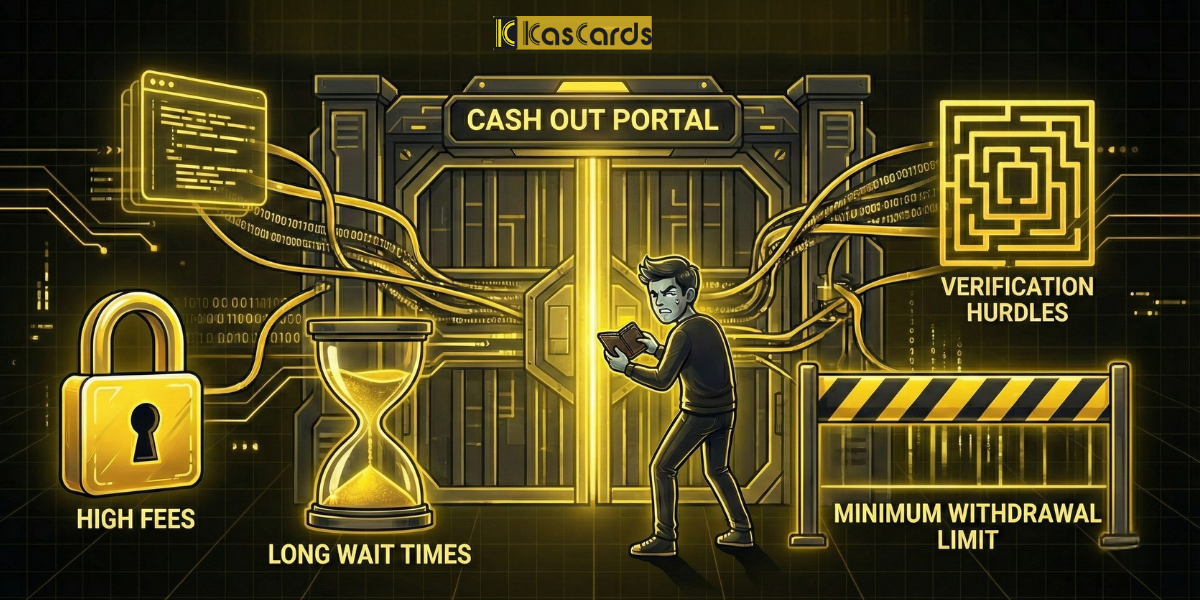
Most newcomers to the “Web3” world fall into the trap of the traditional cycle:
- Transfer game tokens to an exchange platform.
- Sell tokens for local currency (Fiat).
- Withdraw cash to a bank account.
- Use the bank card to buy a game on Steam or PlayStation!
This long cycle is not just exhausting; it is a money incinerator. Between network costs (Gas Fees), platform commissions, and exchange rate differences, you might find that the $50 you earned has shrunk to just $35. Is it really worth all that trouble?
How to Exchange Web3 Earnings into Gaming Cards?
| Method | Steps | Fees & Issues | Final Result |
| Traditional Method | Game → Exchange → Bank → Store | Network + Platform + Bank Fees | Part of the profit is lost |
| Via Kascards | Game → USDT → Kascards → Game Code | Network Fees Only (USDT) | Instant code with near-full value |
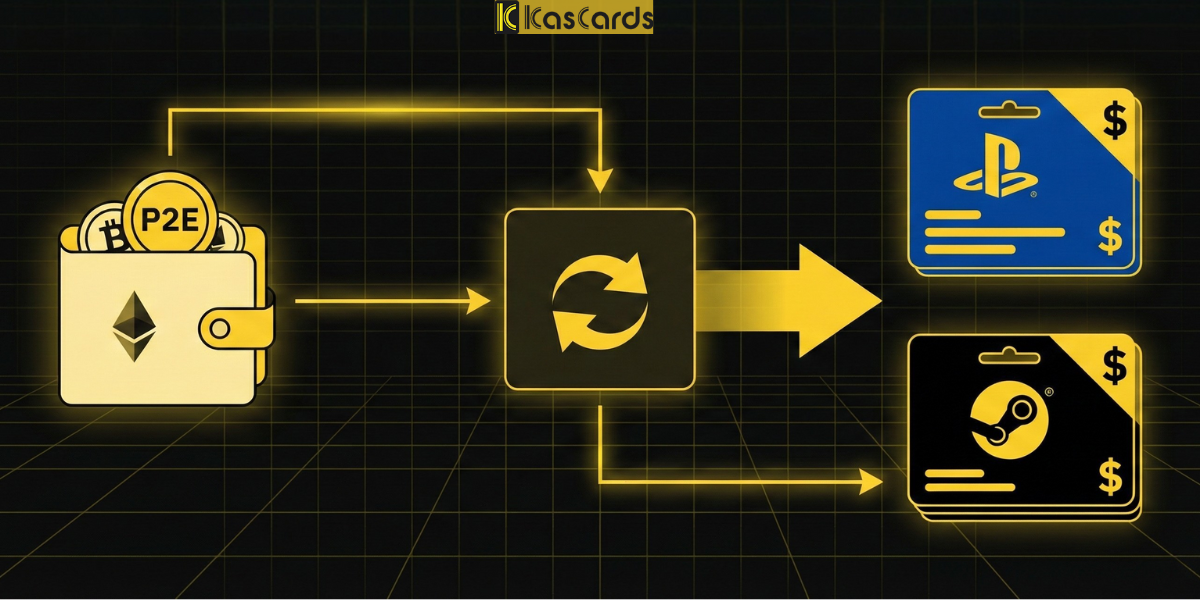
Instead of running in circles (Game > Exchange > Bank > Buy Game), you can take the shortcut: (P2E Game > Kascards Website > Game Code Instantly).
The Kascards platform allows you to use digital currencies (USDT) to buy official gift cards for every platform. This means your earnings from Hamster or other games can turn into PlayStation, Steam, Xbox, or even Roblox subscriptions in seconds.
Why USDT Specifically, and What Are the Benefits?
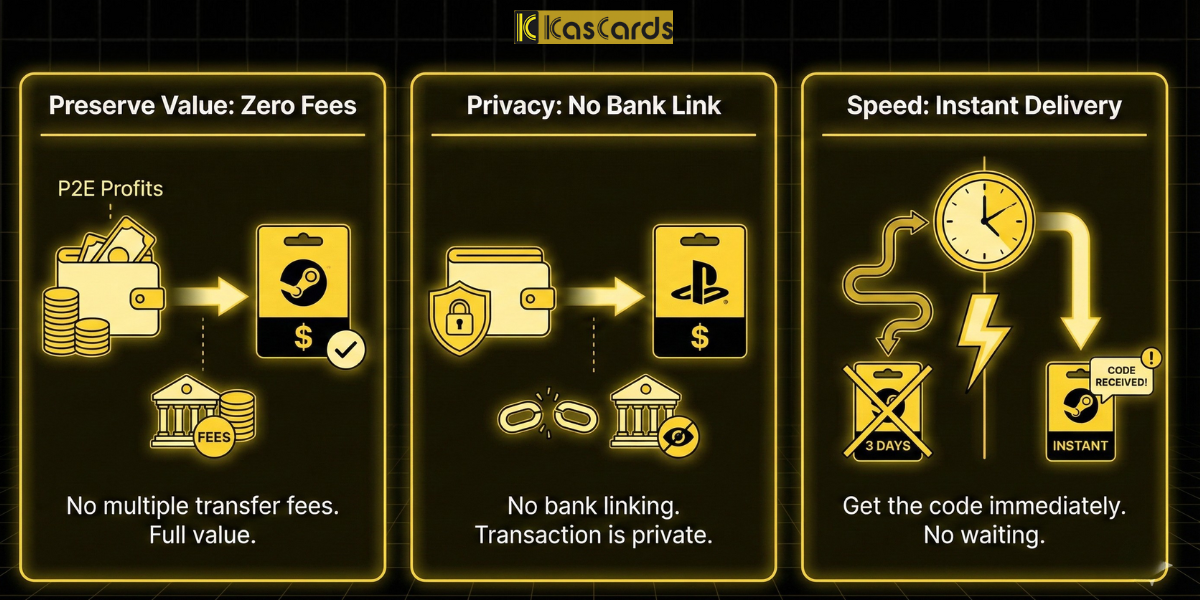
We use USDT because it is a stablecoin pegged to the dollar (1 USDT ≈ $1), meaning the value of your earnings won’t fluctuate during payment. Furthermore, transactions are faster and cheaper than traditional bank transfers.
- Preserve the Value of Your Effort: You won’t lose profits to multiple bank transfer fees. What you pay goes toward the value of the card.
- Peace of Mind (Privacy): No need to link a bank card, and no need to provide proof of funds to a bank. The transaction happens strictly between your wallet and the store.
- Speed: Instead of waiting 3 business days for a transfer to clear, you receive the game code the very moment the payment is completed.
Read More: What are Stablecoins and how to benefit from them?
How to Exchange Play-to-Earn Earnings into PlayStation & Nintendo Cards?
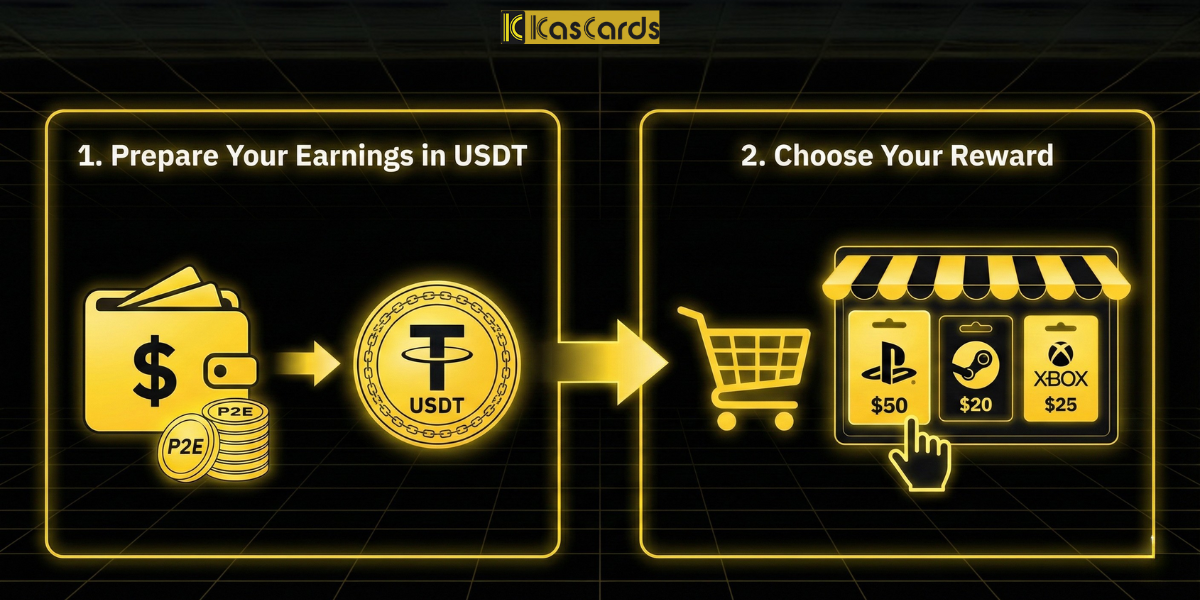
- Convert your earnings within your wallet or trading platform into USDT.
- Go to the Kascards website and log in (or create an account if needed).
- Select the platform and card you want (e.g., PlayStation US $20 or Xbox $50).
- Verify that the card region matches your account region.
- Pay using USDT from your supported wallet or platform.
- Receive the card code immediately and redeem it in your account.
Read More: How to Buy a Card from Kascards Step-by-Step
The Bottom Line
Don’t let your digital earnings sit idle, losing value or being forgotten. You spent time playing, and you deserve to enjoy the rewards of that time.
Use Kascards as your gateway to exit the virtual world and enter the fun of real gaming, turning your balance into unforgettable experiences.